Test Plans - Testplan Detail
User's Guide
63
2 C
REATING
T
ESTPLANS
Linking the testplan to scripts and testcases
2
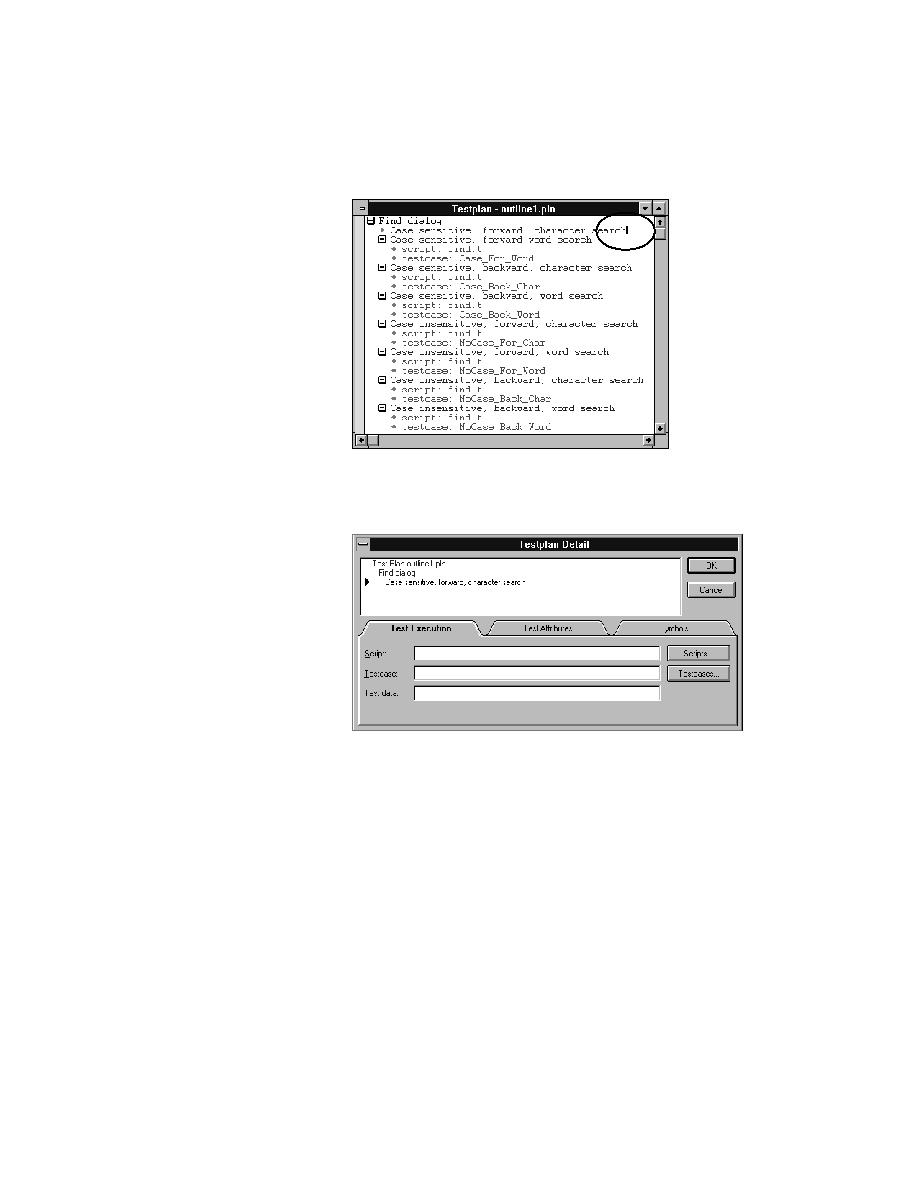
Select Testplan/Detail.
QA Organizer invokes the Testplan Detail dialog, with the Test
Execution tab showing:
The multi-line list box at the top of the dialog displays the line in the
testplan that the cursor was on when the dialog was invoked, as well as
its ancestor lines. The black arrow icon indicates the current line. The
current line appears in black and white, and the preceding lines appear in
blue.
3
If you know the names of the script and testcase, enter them in the Script
and Testcase fields, respectively, and skip to step 8.
4
If you are unsure of the script name, click the Scripts pushbutton to the
right of the Script field to browse for the script file.
QA Organizer invokes the Testplan Detail - Script dialog:
