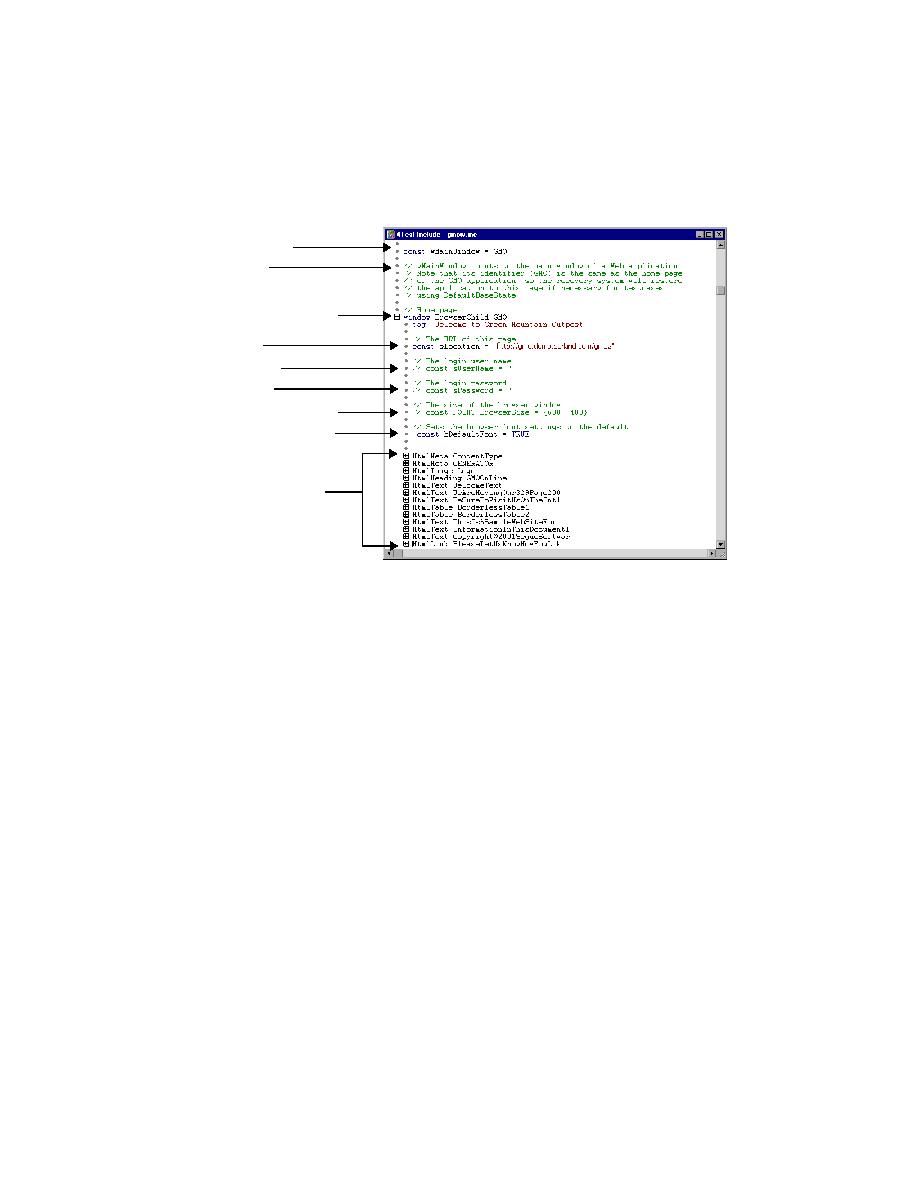

Specifying browser size and fonts
and sPassword, are commented out ("//") in the generated test frame, as
shown above. You can uncomment those constants and supply values to
specify your user name and password if your application requires you to enter
such information. Once you have done this, whenever you are loading a page
and you are prompted for user name and password, SilkTest will
automatically supply the values and click OK in the message box, enabling
the testcase to run unattended. For more information about Login, see the
online Help.
are also enclosed in comment tags in a generated test frame: BrowserSize and
bDefaultFont. The recovery system uses these two constants to set the
browser's state before and after each test is run. They are useful in
establishing a consistent environment for your testing.
pixels. The data type is POINT, which is a record of two integers. The first
integer is the width in pixels; the second integer is the height in pixels. The
default value ( {600, 400} ) is an appropriate size for a screen with VGA
resolution (640 by 480).
constant bDefaultFont