View Result of JDBC Request Sampler
How to view test result of a JMeter JDBC request? I created one to verify access to my MySQL server.
✍: FYIcenter.com
 You can follow this tutorial to
view test result of a JMeter JDBC request.
You can follow this tutorial to
view test result of a JMeter JDBC request.
1. Start JMeter on your computer and open "\fyicenter\First-Load-Test-5.jmx".
2. Add a "View Result Tree" in the "tearDown Thread Group", below the "MySQL Access Test" JDBC Request sampler.
3. Save the test plan and run it.
4. Click "MySQL Access Test" in the "View Result Tree" screen. Then open the "Response Data" tab You see the query result:
@@version
5.6.28
You may see access denied errors, if you provided the wrong username or password:
Cannot create PoolableConnectionFactory (Access denied for user
'john'@'localhost' (using password: YES))
You may SQL syntax errors, if you made any mistakes in the query statement:
You have an error in your SQL syntax; check the manual that
corresponds to your MySQL server version for the right syntax
to use near '@@version' at line 1
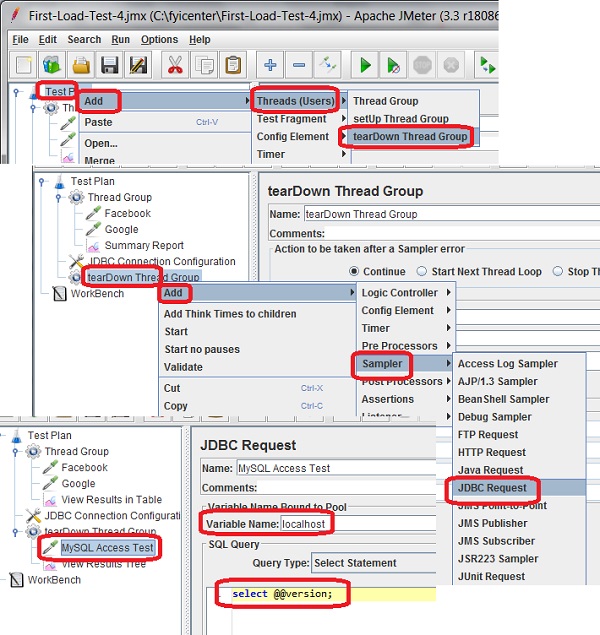
The picture below shows you how to view test result of a JDBC request sampler:
⇒ Load Test Result to MySQL Automatically
⇐ Test JDBC Connection Configuration
2017-10-11, ∼4888🔥, 0💬
Related Topics:
